MATCHA Writer for educators

In-class writing and exams

MATCHA is a combined locked-down word processor and browser that can secure all your in-person activities, from written exams to LMS-based quizzes (starting late September 2026).

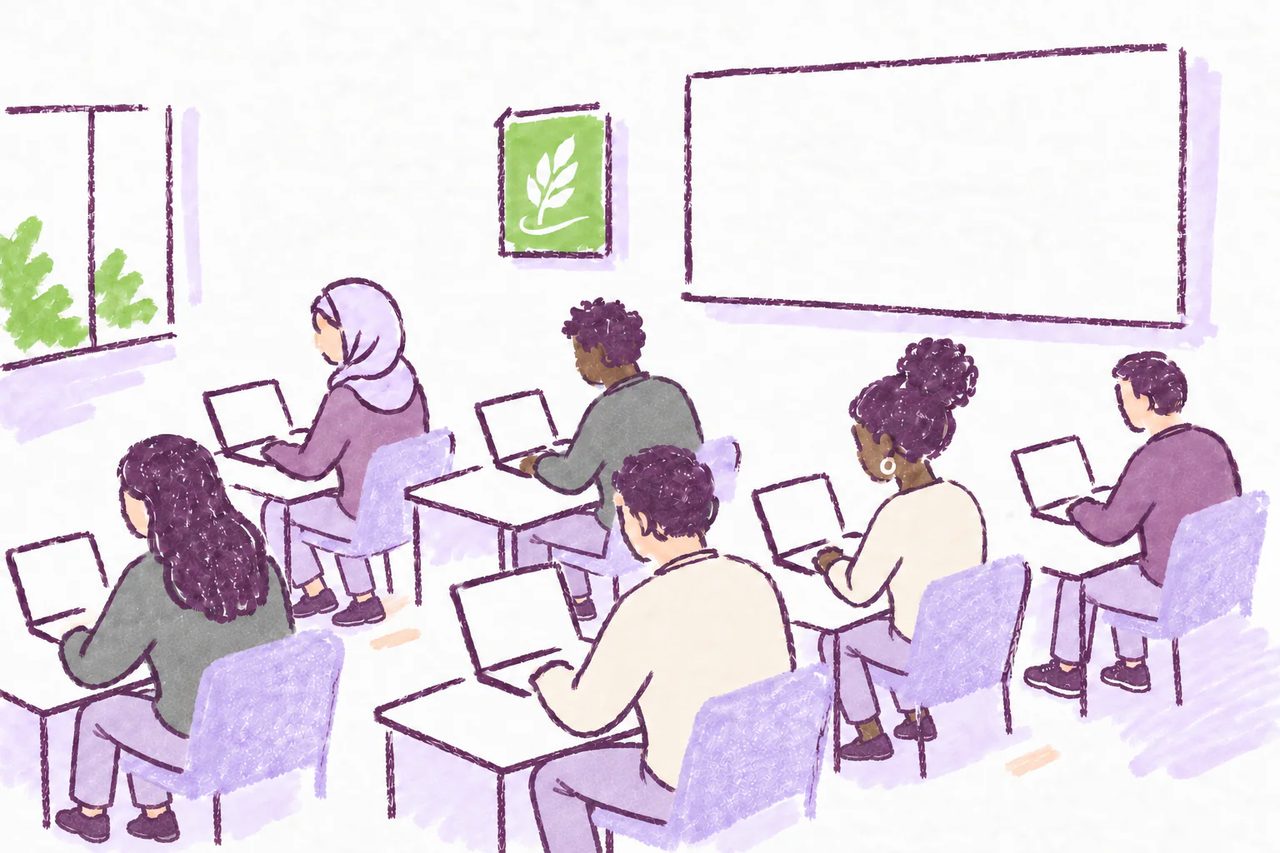
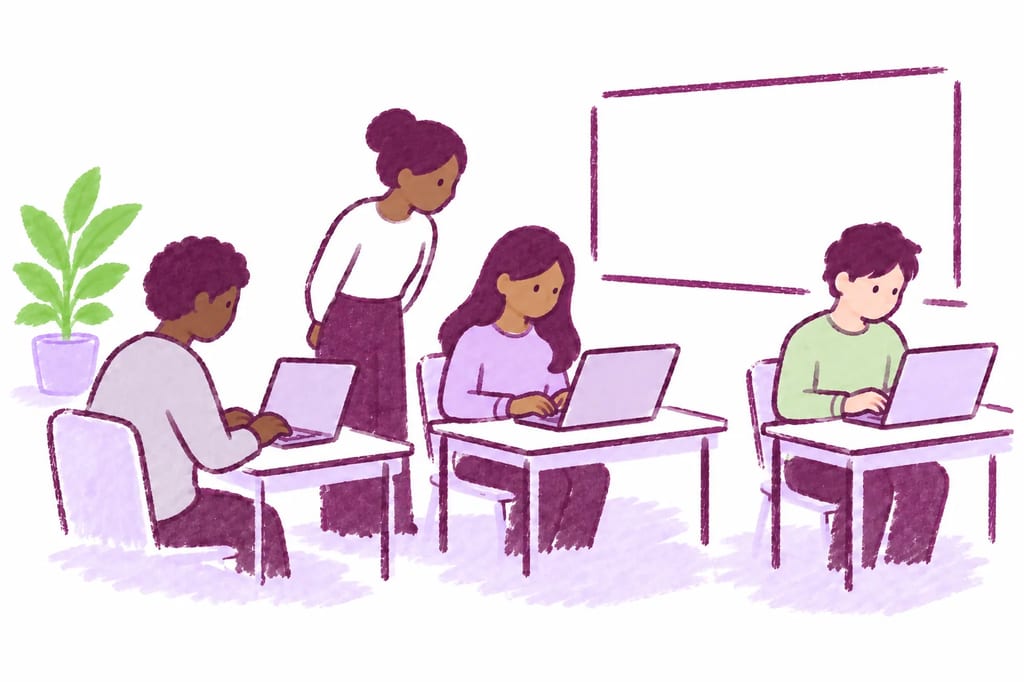
Marker-doodle illustration of students using laptops for a writing activity in a classroom

Secure in-class exams and activities

Computers in the classroom or exam room pose a challenge to academic integrity.

MATCHA secures computer-based activities by blocking copy-paste, app-switching, and automation without requiring special privileges or invading students' privacy.

How it works

Using MATCHA for in-class activities

  1. The instructor uses the MATCHA Dashboard to create an activity, enabling Copy-Paste Block and Locked-Down Mode to prevent students from using AI tools or other aids outside of MATCHA.

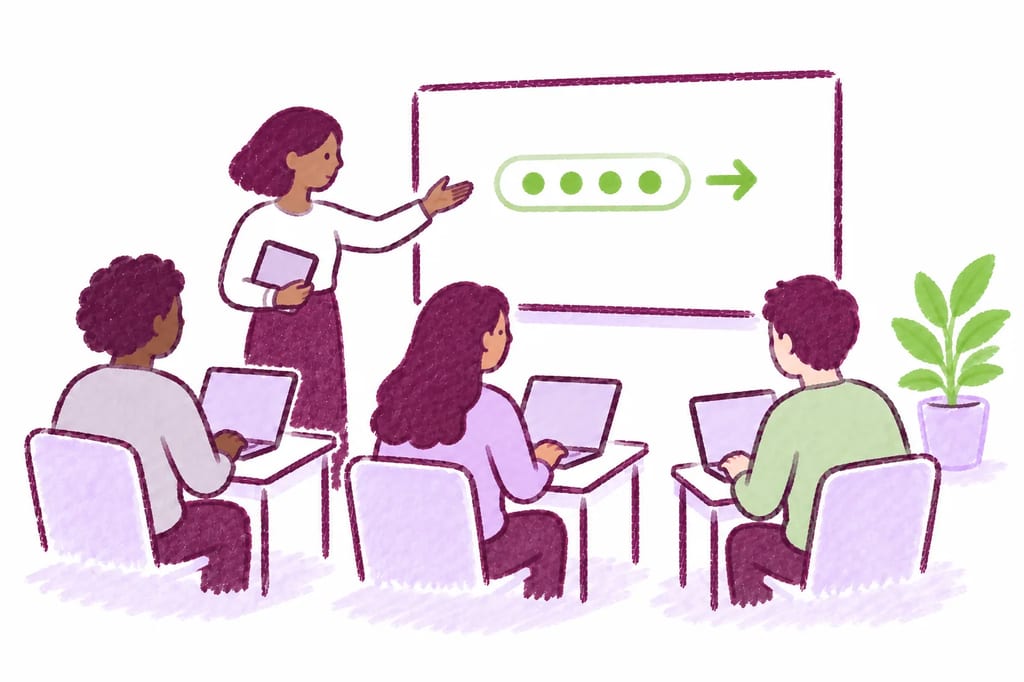
  2. Students install and open MATCHA on their laptops, using the provided access code to start the activity.

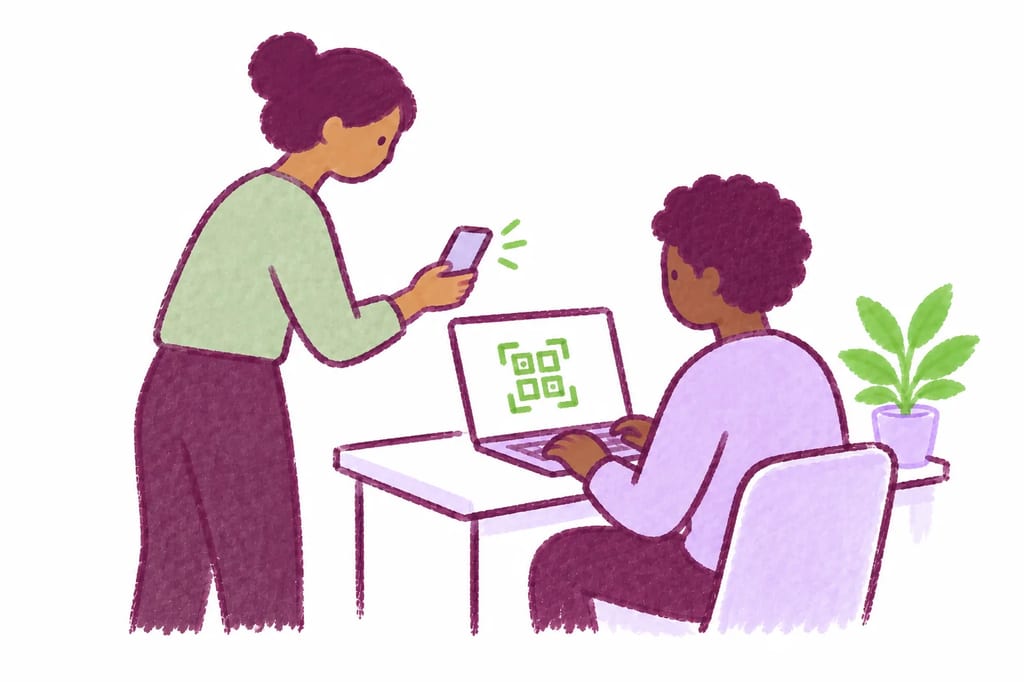
  3. The instructor checks in students by scanning a QR code on their computers with the MATCHA Proctor web app (accessible from the Dashboard).

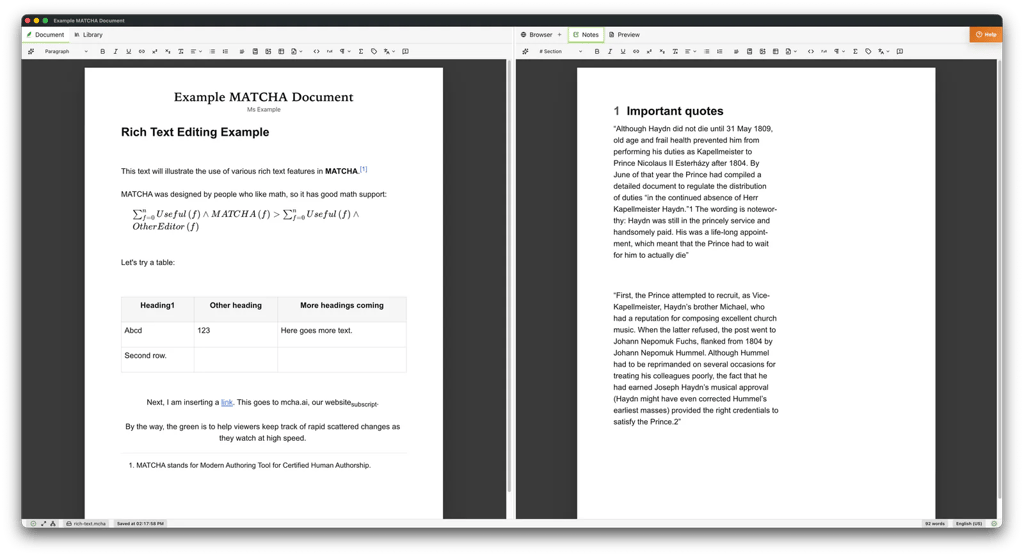
  4. Students write their answers in MATCHA using its editor and the built-in note tool, allowlist-restricted browser, and AI assistant (if enabled). MATCHA prevents AI misuse on the computer while the instructor prevents students from using other devices.

  5. The instructor receives certified submissions with editing and reading histories. They can optionally use MATCHA's in-app grading tool with optional LMS grade passback.

Key features for classroom work

Copy‑Paste Control

Block or track paste from outside MATCHA while preserving normal editing and in-app browser copy/paste. Unlike browser-based edit-tracking editors, MATCHA also blocks auto-typing software and other forms of unauthorized assisted text entry.

Explore Copy‑Paste Control on the Features page
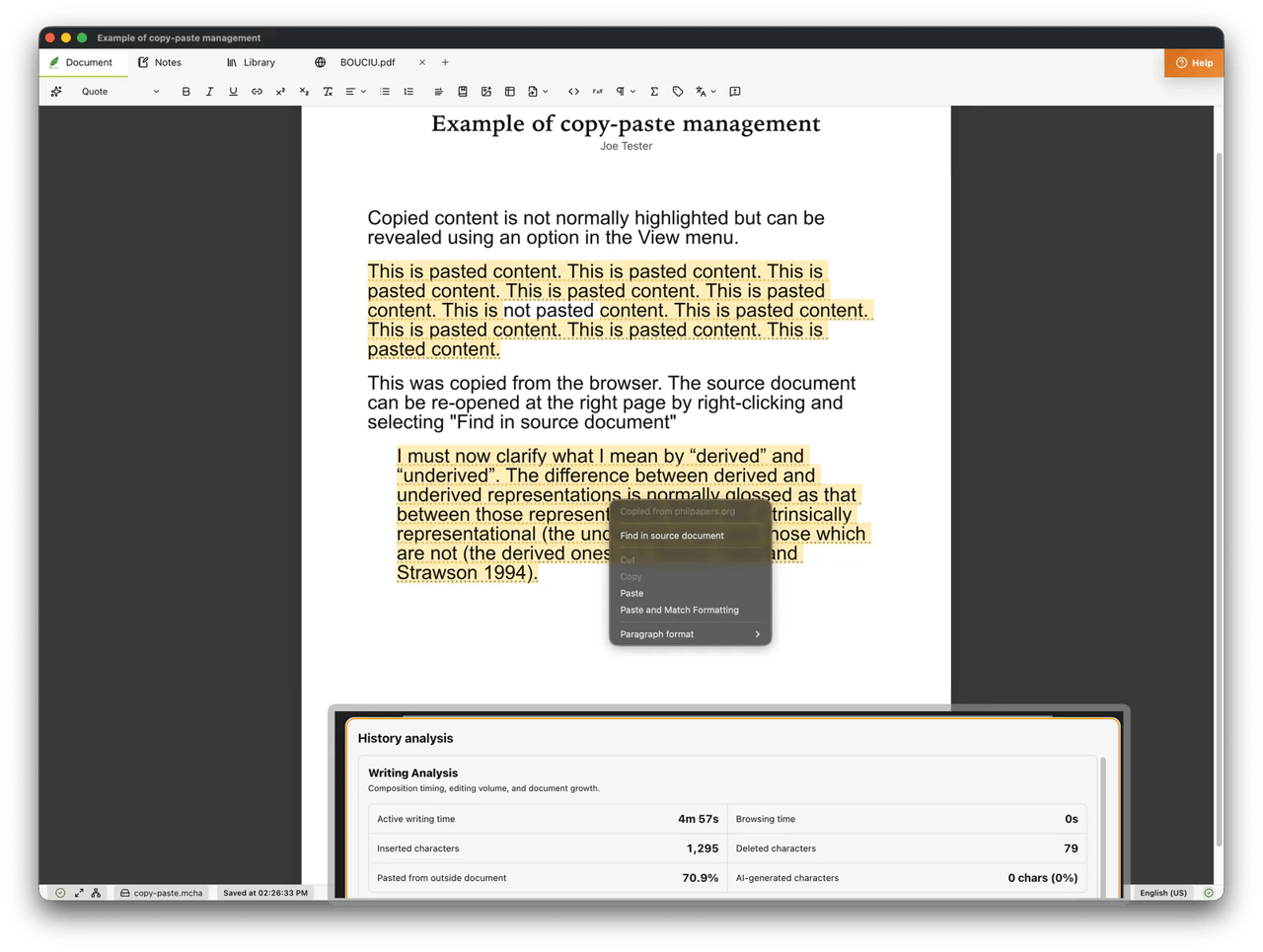
Copy-Paste Control screenshot

Locked-Down Mode

Enforce fullscreen and deter app switching so students stay in the activity environment. MATCHA also detects virtual machines and other methods commonly used to circumvent locked-down browsers.

Explore Locked-Down Mode on the Features page

Remote Typing Certification

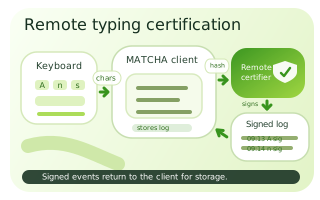
MATCHA keeps critical typing-certification logic on a remote server, which cryptographically certifies the timing of every document-altering event and prevents compromised local software from forging edits.

Explore Remote Typing Certification on the Features page
Remote Typing Certification schematic showing typed characters flowing through remote certification and returning to the client as a stored signed log

Certified .docx

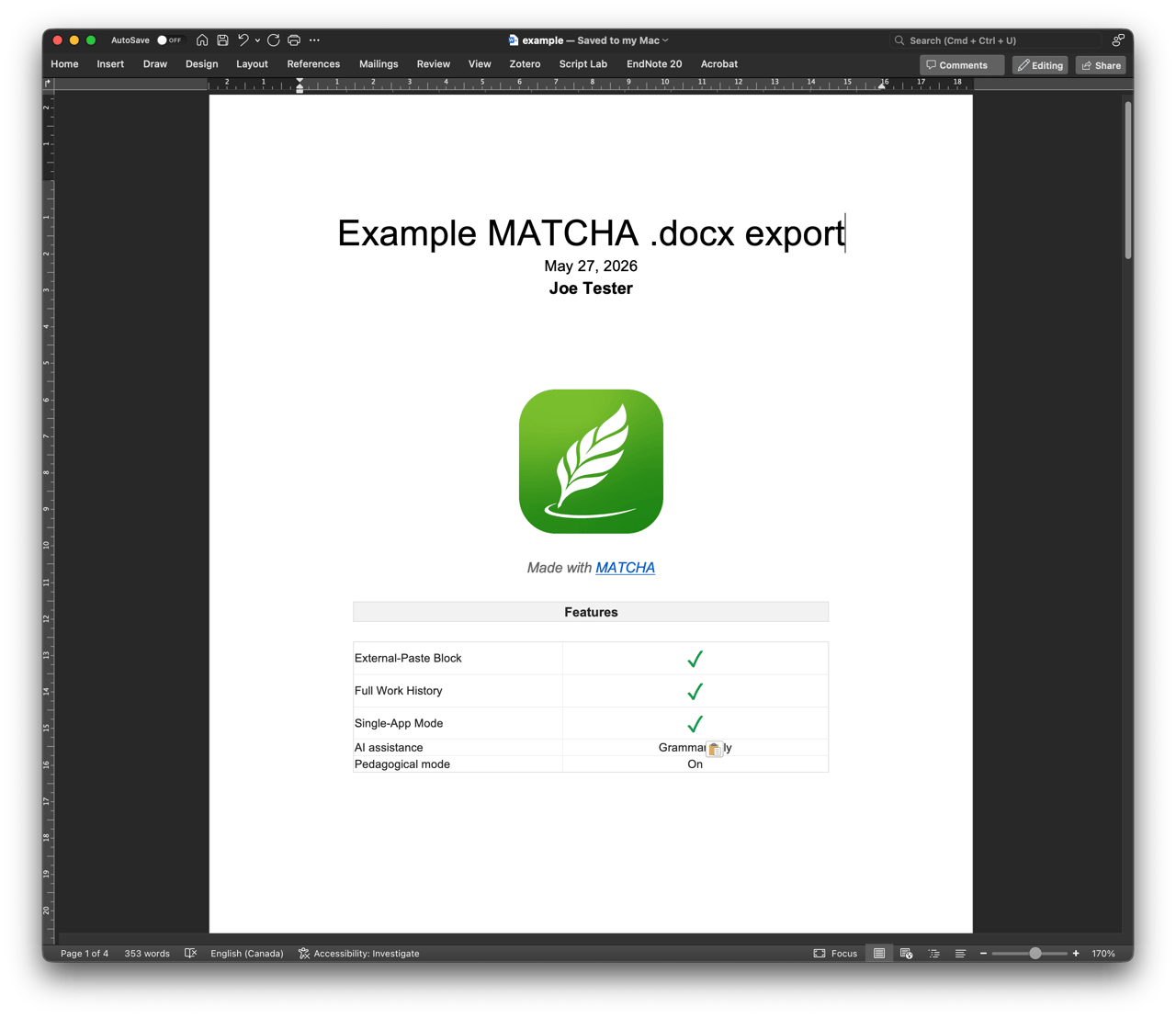
Export cryptographically signed .docx files that can be verified as MATCHA-produced with specific activity settings while still fitting the usual essay submission workflow.

Explore Certified .docx on the Features page
Certified .docx screenshot

Are your students on social media instead of taking notes in class?

A computer screen overflowing with social media notification icons
Distracted: social media instead of notes
Arrow from social media distractions to focused note-taking
Students taking notes in MATCHA
Focused: note-taking in MATCHA

Make note-taking a MATCHA Locked-Down Mode activity

At the end of class, the MATCHA attendance sheet will tell you who was in the activity for what time period, and you will know they were focused on taking notes. Reward submitting notes with participation points and you will significantly increase in-class engagement.

How MATCHA in the classroom compares

to traditional proctoring or exam-taking software (for example, LockedDown Browser)

  • Integrity without invading privacy

    MATCHA does not require administrator privileges, screen recording privileges, camera access, or microphone access. It only needs access to its own files.

  • Unbeatable copy-paste protection

    Despite its non-invasive design, MATCHA offers strong protections against unauthorized AI response injection (for example, using a virtual machine) because its protections are partly server-side. MATCHA's patent-pending Remote Typing Certification technology cannot be circumvented by virtual machines and tools such as WhisprGPT, CloakGPT, or NotchGPT (MATCHA also detects and blocks these techniques on the participant's computer).

  • A full-featured word processor

    MATCHA is a full-featured word processor designed for long writing assignments, not only quizzes or short answers. It supports footnotes, tables, references, and equations, among other features.

  • Easy integration

    MATCHA produces certified .docx files, which integrate with typical writing assignment workflows.

Introductory offer

Create an instructor account with a verified academic email before October 23, 2026 and get 200 free student seats for this calendar year.