MATCHA features
Productivity features
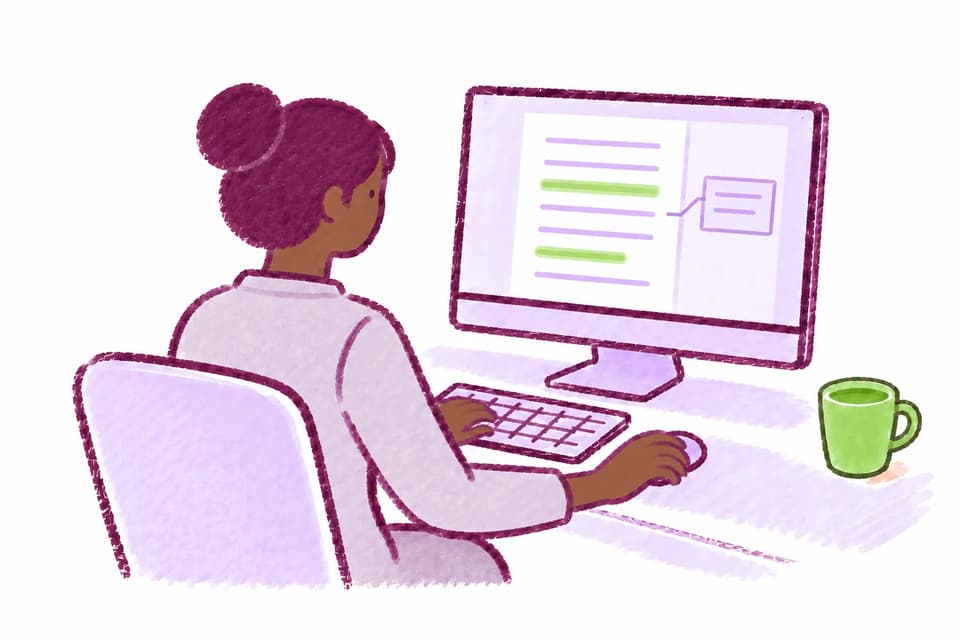
Stay in flow from the first source to the final draft. Research, cite, write, and collaborate with tools that keep your work together.
Built-In Browser
- Adds a built-in browser pane for LMS pages, readings, library databases, and other approved web resources.
- Proxy Browsing: Access academic sources through your university's library proxy inside MATCHA. Find your university or enter its library proxy scheme in App Settings, then open sources through the proxy using your library access.
- Browser configurations (including allowlists) can be shared between courses and instructors within an organization.
- MATCHA includes a default browser allowlist of common academic sources that instructors can extend or narrow for each activity.
- This feature works well with Complete Work History.
Reference Management
- MATCHA has built-in reference management.
- You can import bibliographies from all major bibliography managers and add citations in the main citation formats.
- Automatically add a complete reference to your library by clicking "Add to library" for any document or web page.
- Citation Extraction: When a PDF or web page lacks usable citation metadata, MATCHA can use AI to extract its citation details and add a reference to your library.
- Thanks to Auto Citing, cited works are automatically added as you copy-paste from supported PDFs or web pages.
- All major citation styles are supported, including APA, MLA, and Chicago. The instructor sets the style so students don't have to worry about doing the right thing.
Auto Citing
- MATCHA automatically parses citations on major search indexes and hundreds of other sources.
- When text is copied from a supported source, the corresponding bibliography entry is automatically added to the library, the cited text is put in quotation marks, and a citation is added to the text.
- It is also possible to go back to the original text by right-clicking the pasted text.
Direct Citing
- MATCHA has reference management built in, but we know that most people do not have a well-curated reference list.
- That's why MATCHA offers Direct Citing: Type some keywords, select a search result from one of the many supported citation indexes, and your citation is added to the text, the bibliography, and the reference database.
- Direct Citing is available with Writer Plus and Writer Pro.
Rich BUT Semantic Editing
- MATCHA offers rich text editing, including tables, figures, footnotes, references, various text styles, and an easy, visual, LaTeX-compatible math mode.
- At the same time, it is a content editor, not a typesetting system.
- MATCHA leaves typesetting to LaTeX, the uncontested winner in this area.
- In instructor-led projects, basic text formatting parameters such as line spacing and font family are set by the instructor rather than the student, helping to standardize the look of submitted essays.
Managed Cross-References
- Create references to figures, tables, sections, and other numbered items without hand-editing labels.
- Cross-references stay connected to their targets as the document changes, and numbering is automatic.
- A time-saving feature for large documents with many cross-references.
LaTeX Input/Output
- For publication or printing, MATCHA offers seamless, code-free LaTeX output and rendering.
- Using the built-in LaTeX engine, you don't even have to have a LaTeX distribution on your computer (but you can bring your own).
- The LaTeX Preview pane allows you to see exactly what the rendered document will look like.
- MATCHA can also import LaTeX documents, converting commands for labels, citations, tables, footnotes, figures and more. MATCHA is not a typesetting application, so it only interprets core semantic commands, but it preserves and passes through all uninterpreted commands for LaTeX rendering.
AI Assistant
- For many purposes, it makes sense to use AI to generate or improve text.
- MATCHA recognizes this, providing a fully integrated AI assistant.
- All AI-made changes to a document are tracked and auditable.
- In pedagogical settings, instructors can control the level of help provided by the AI assistant: none, grammar correction only, grammar and style, and full composition help.
Pedagogical AI
- In pedagogical mode, MATCHA's optional built-in AI assistant guides students to correct their grammatical and stylistic mistakes rather than correcting them all automatically.
- It makes some corrections, leaves some errors for the student to correct, highlights the passages in need of revision, and provides feedback on the student's correction attempts.
- This type of intervention promotes learning rather than dependence on AI.
Notes
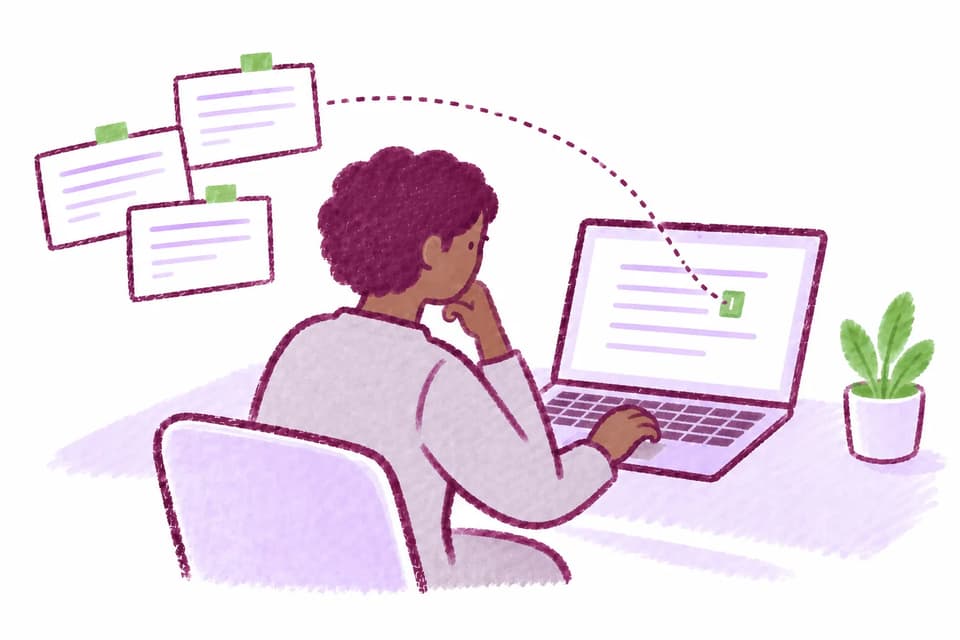
- Adds a separate notes pane so participants can outline ideas, copy quotations, or draft fragments without mixing them into the main submission.
- Note edits are tracked just like edits in the main document.
Cloud Sync
- MATCHA Writer can save documents in MATCHA Cloud in addition to local files, with the result that documents are always up to date on all authorized devices.
- This feature is currently incompatible with Complete Work History.
Live Collaboration
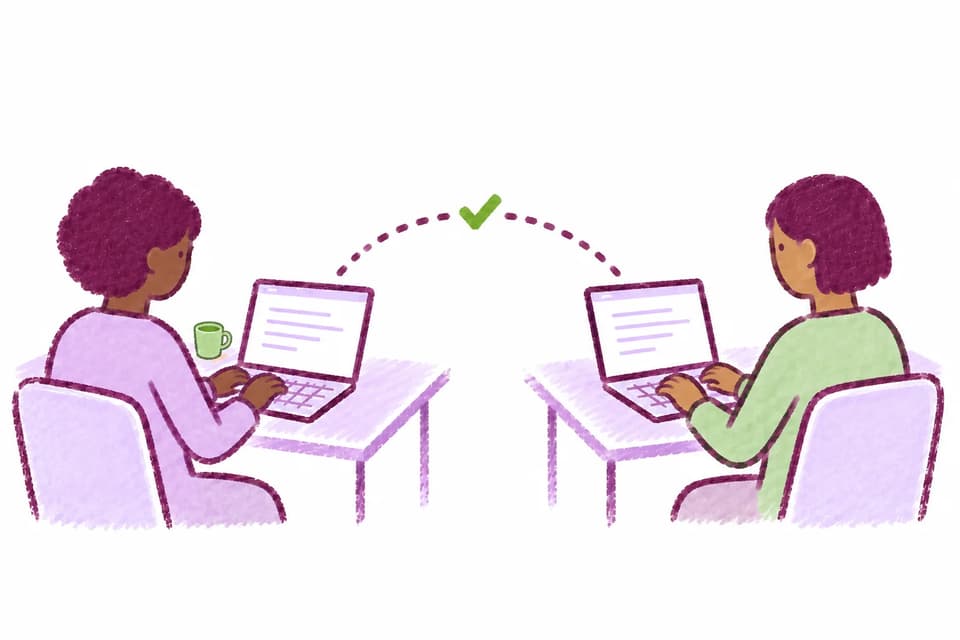
- Cloud Sync-enabled documents can be shared with other MATCHA users, enabling live collaboration with fine-grained access controls.
- MATCHA tracks the work of each author separately and includes an author participant breakdown as part of its work analysis reports.
Snapshots and Rollback
- MATCHA is by nature a history-preserving text editor.
- It allows users to create named snapshots before making big changes so they can easily come back to the named version at a later point.
- Soon, a feature will also be added to roll back to any previous point in time.