
Proctoring tools
Scan in. Write. Scan out.
No work from outside the room.
Proctors check students in and out by scanning a QR code on their screens with MATCHA Proctor, the free companion app, so students cannot work on the activity from outside the supervised space. During the session, students can discreetly report cheating, sending their seat number and the direction of the alleged cheating to proctors.
Explore the features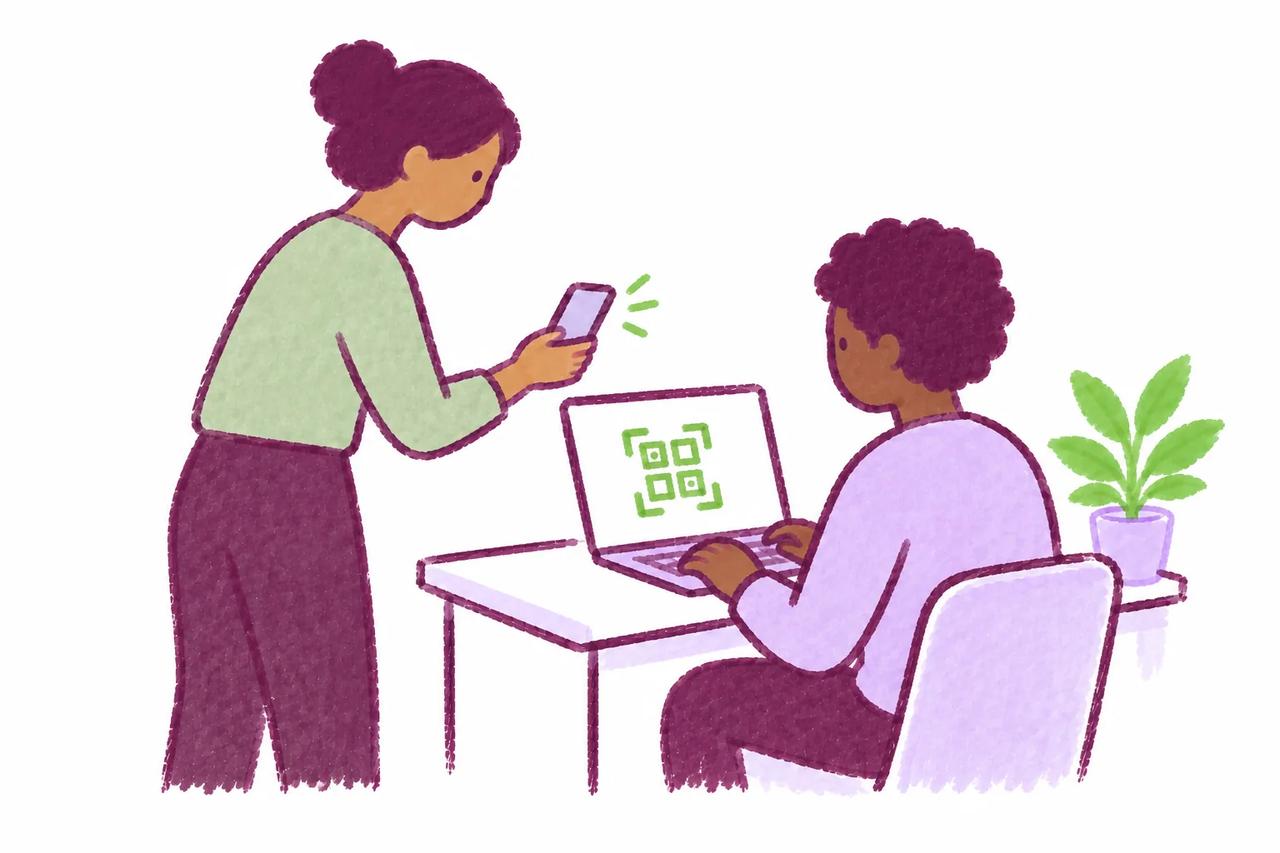
In practice
From the first arrival to the final check-out.
In a writing lab, students arrive at different times and may return over several visits. Proctors scan each student in on arrival and out on departure, and MATCHA records seat numbers and check-in and check-out times on the activity’s attendance sheet.
-
Choose how check-in works
Immediate check-in blocks writing until a student is scanned in. Eventual check-in lets students start right away, but they cannot submit unless they were checked in as of their first edit.
-
Oversee the room
Checked-in students get seat numbers, organized in rows and columns. When a student reports cheating, their name, seat number, and the direction of the alleged cheating appear in MATCHA Proctor.
-
Close the session clearly
Scan students out as they leave. The attendance sheet records each student’s seat number, check-in time, and check-out time, useful evidence if cheating is suspected.
In detail
How each feature works.
What each feature does, its options, and what it requires.

Check‑In
- Key for supervised activities, this feature prevents students from working on activities from outside supervised spaces.
- Students are checked in and checked out using MATCHA Proctor, the free companion app for proctors. Proctors scan a QR code on students' screens for both check-in and check-out.
- Check-in has two operating modes: immediate check-in and eventual check-in. Immediate check-in prevents students from writing until they have checked in. This is suitable for supervised writing labs and other settings in which it is practical to check in every student before they start. Eventual check-in lets students start writing without being checked in but will prevent them from submitting documents for which they are not checked in as of the time of their first edit. Proctors specify what time students are checked in as of as they scan their QRs.
- As an added convenience, checked-in students are assigned seat numbers, which can be organized in rows and columns. This can provide useful forensic evidence in the Attendance Sheet if cheating is suspected.

Cheating Reports
- This feature lets participants discreetly report suspicious behavior during an activity.
- Students are provided reporting instructions at the beginning of the activity.
- When a student reports cheating, their name, their seat number, and the relative direction of the alleged cheating are transmitted to proctors in MATCHA Proctor.
- Check-in must be enabled to use this feature.