
Cloud-native connections
Write together, live.
See who wrote what.
Save documents to MATCHA Cloud as well as to local files, so they are always up to date on all your authorized devices. Share a document with other MATCHA users to write together live, with fine-grained access controls and each author’s work tracked separately.
Explore the features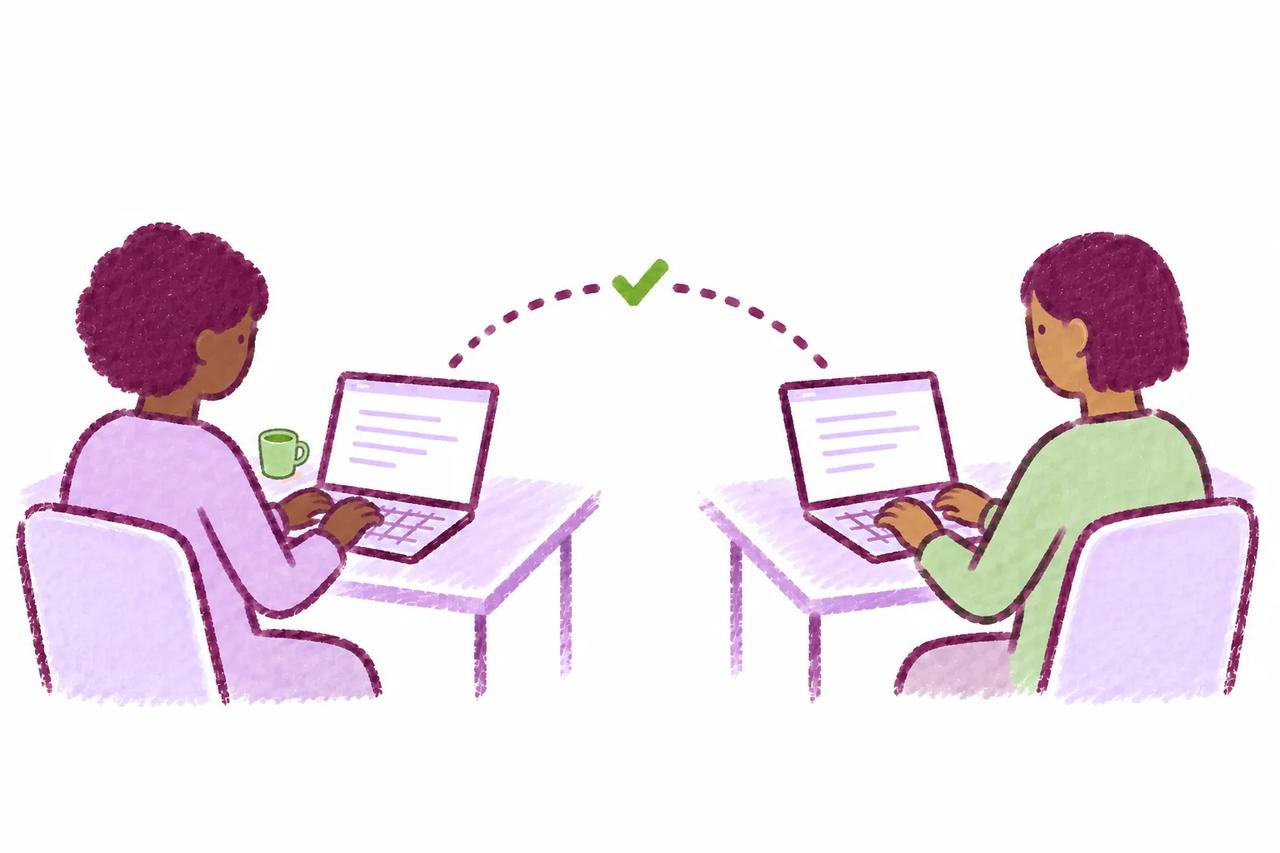
In practice
Bring collaborators into the same draft.
Save a document to MATCHA Cloud and invite a co-author with the access they need. Work in the shared document together, then use the participant breakdown in the work analysis report to see each person’s contribution.
-
Start with a cloud document
Turn on Cloud Sync to save a project in MATCHA Cloud in addition to its local file, keeping it up to date on all your authorized devices.
-
Choose who can take part
Share the document with other MATCHA users and set their access with fine-grained controls.
-
See the contributions
MATCHA tracks each author’s work separately and includes a participant breakdown in its work analysis reports.
In detail
How each feature works.
What each feature does, its options, and what it requires.

Cloud Sync
- MATCHA Writer can save documents in MATCHA Cloud in addition to local files, with the result that documents are always up to date on all authorized devices.
- This feature is currently incompatible with Complete Work History.

Live Collaboration
- Cloud Sync-enabled documents can be shared with other MATCHA users, enabling live collaboration with fine-grained access controls.
- MATCHA tracks the work of each author separately and includes an author participant breakdown as part of its work analysis reports.