
For Authors
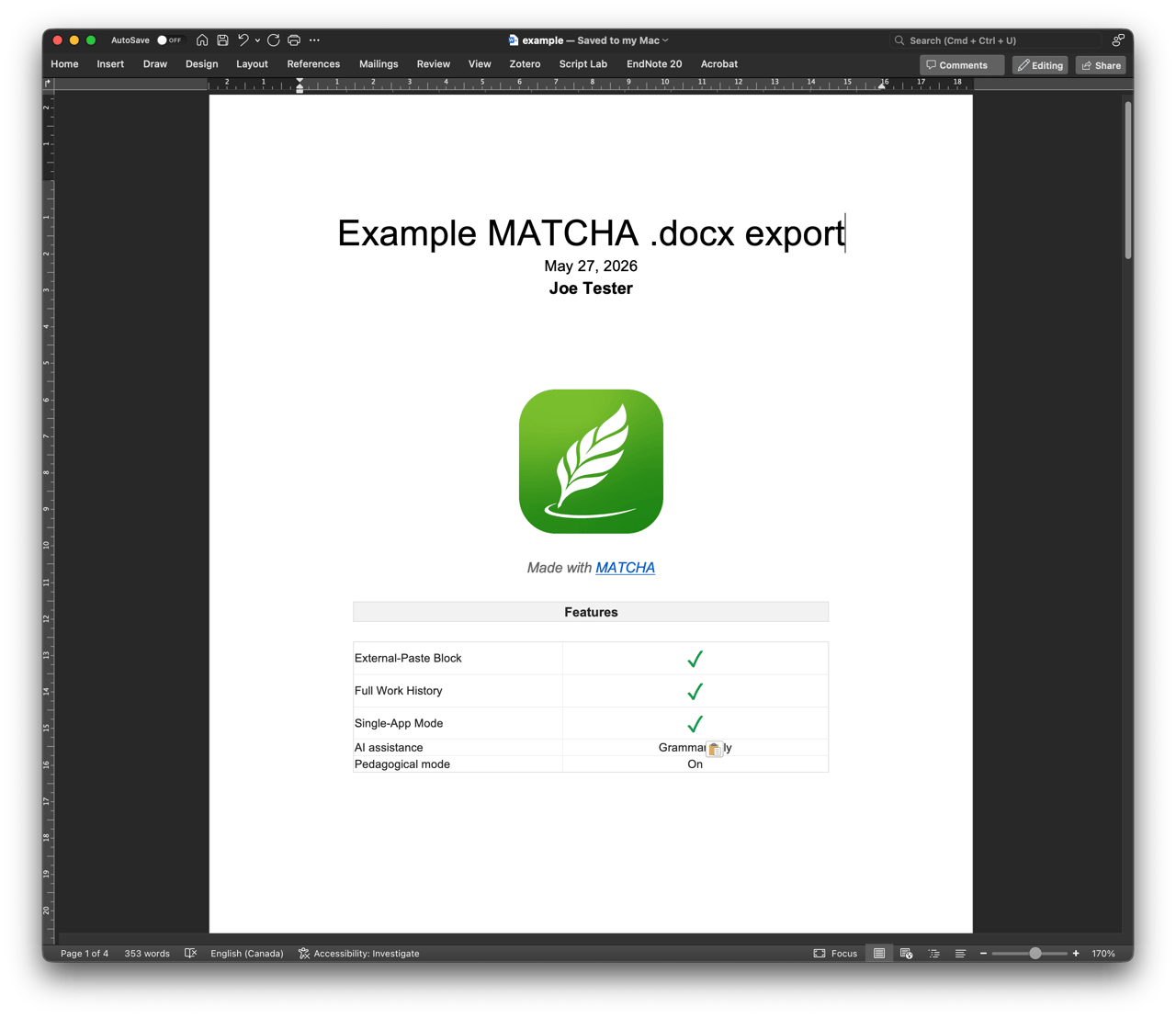
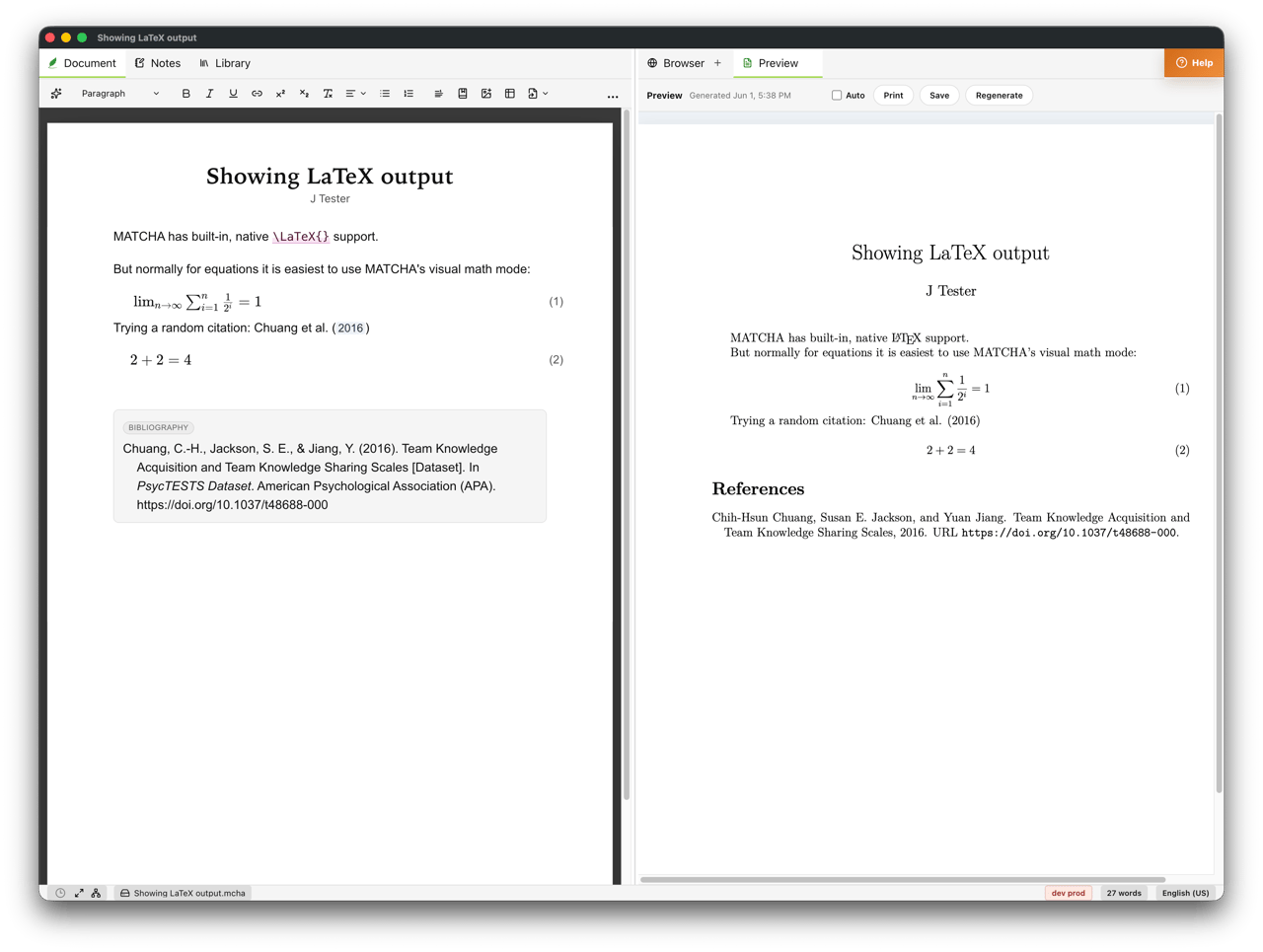
MATCHA helps authors, academics, and other content creators prove the origin of their work with verifiable process evidence while staying compatible with transparent, ancillary AI usage. It's also a powerful editor in its own right. With Direct Citing, Code-Free LaTeX/PDF output, Snapshots, auditable AI assistance, DOCX interoperability and a focus on Semantic Editing, it ticks many boxes for professional authors and academics.
Independent authorship proof
Human intellectual outputs are uniquely valuable because of their origin. With MATCHA, you can preserve evidence of your authentic writing process from first draft to final export.
Key features
Copy‑Paste Control
Shows when final text was pasted instead of typed and can optionally limit copy-paste from external tools, preserving process transparency when origin matters.
Open this feature on the Features pageProfessional deliverables and client trust
For professionals paid to produce documents, AI can undermine trust. MATCHA helps you show that paid work was actually performed by documenting the process and producing verifiable exports.
Key features
Copy‑Paste Control
Shows when final text was pasted instead of typed and can optionally limit copy-paste from external tools, preserving process transparency when origin matters.
Open this feature on the Features pageHow MATCHA compares for independent authors
MATCHA vs Google Docs, Word, and Overleaf
| Feature | MATCHA | Google Docs | MS Word 365 | Overleaf | |
|---|---|---|---|---|---|
| Productivity | Managed cross-references | ✓ All versions Yes | ✕ No | ✓ Yes | ✕ No |
| Direct citing , Auto Citing , and built-in reference management | ✓ Writer Plus Yes | ✕ No | ✕ No | ✕ No | |
| Snapshots | ✓ All versions Yes | ✓ Yes | ✕ No | ✓ Yes | |
| .docx input/output | ✓ Workbook Yes | ✓ Yes | ✓ Yes | ✕ No | |
| LaTeX input/output, PDF | ✓ Writer Pro Yes | ✕ No | ✕ No | ✓ Yes | |
| Built-in AI | ✓ Writer Plus Yes | ✓ Yes | ✓ Yes | ✓ Yes | |
| Live collaboration | ✓ Writer Plus Yes | ✓ Yes | ✓ Yes | ✓ Yes |