
MATCHA for students
Worried that professors will not believe you did the work? Use MATCHA so they can't question it.
MATCHA makes assignments fair again
Generative AI has made it hard for students to distinguish themselves. When professors don't use MATCHA, many students happily cheat with AI, while the rest feel pressured to use it to keep up. What's the point of writing an essay yourself when your professor can't tell whether you used AI? Everyone is doing it.
There's a point if you can prove you did the work. That's what MATCHA is for.
How it works
Using MATCHA for your schoolwork
-
Step 1
Use MATCHA for your assignments
You can use MATCHA for almost any assignment—even if your instructor isn't asking you to use it. It combines a browser with a word processor, so you can do almost anything you'd do with either.
It even has advanced features that make your life easier, such as Auto Citing, Direct Citing, Proxy Browsing, and Citation Extraction.
-
Step 2
Create an independent project
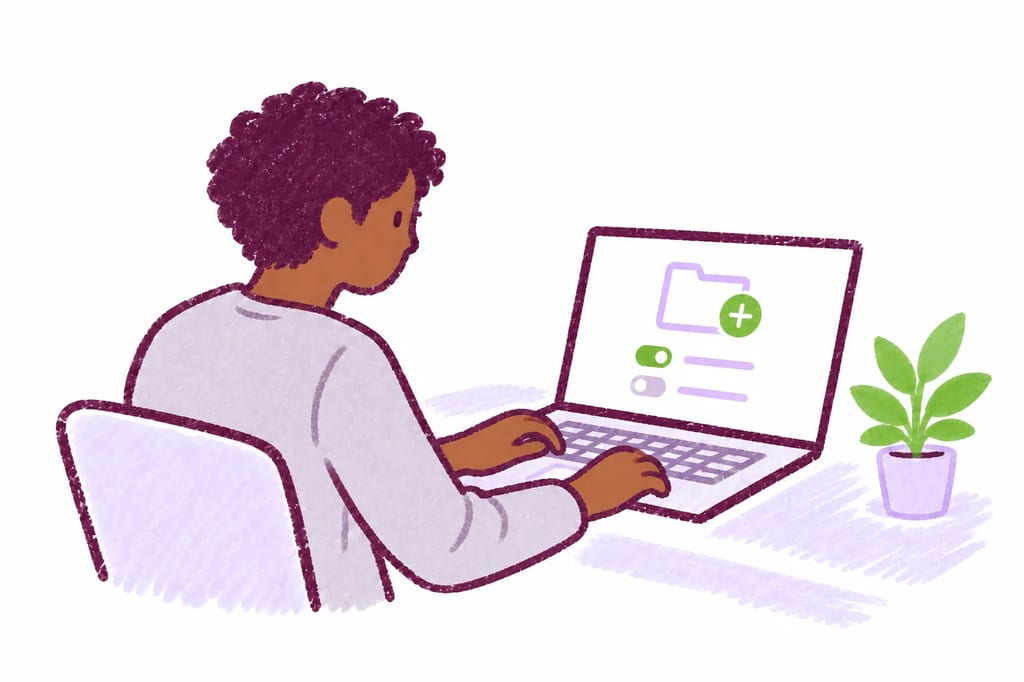
If you're using MATCHA outside a MATCHA activity organized by your school, start by creating an independent project from the home screen.
If you want to keep track of everything you do, select the Complete Work History feature, which records your browser activity (your editing activity is always recorded).
You can also use Copy-Paste Block to show that you didn't paste anything from outside MATCHA (your documents will certify that you used this feature). Whether or not you use this feature, copy-paste activity is always tracked and auditable.
-
Step 3
Research and write in MATCHA
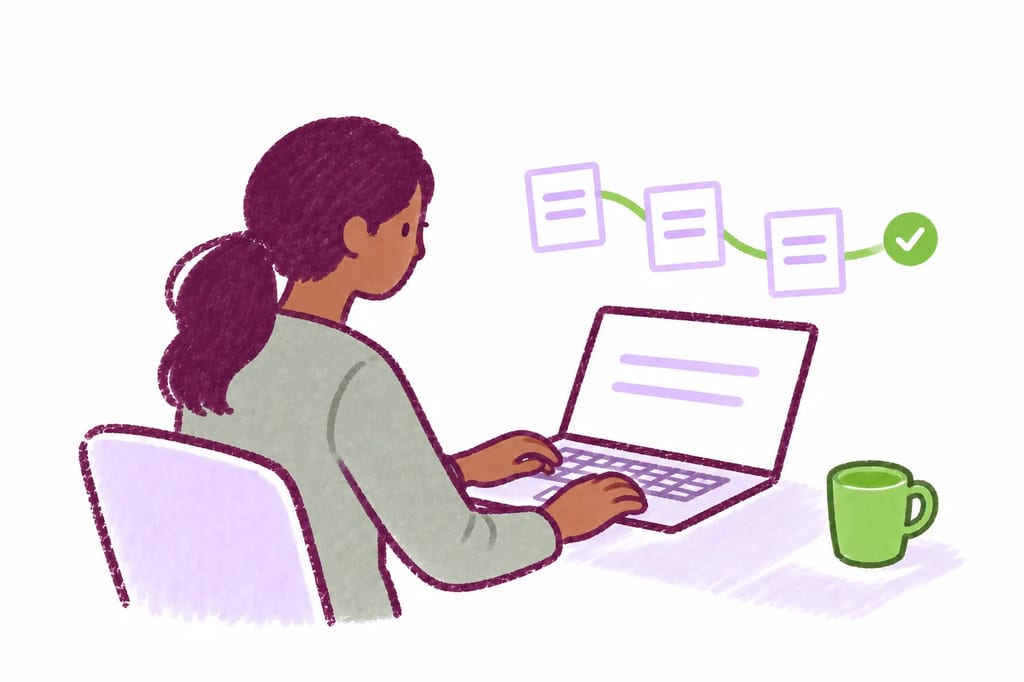
Do your research and editing in MATCHA. You can work on your projects for any amount of time, from minutes to months. Everything you do is recorded and can be replayed.
If your project develops over a long period, you build evidence that cannot reasonably be challenged.
-
Step 4
Export a certified .docx file
When you're ready to share your work and submit it to a professor, export it as a certified .docx file. This is a format that anyone can read, and the file will bear a cryptographic mark allowing anyone to verify that it was made by MATCHA.
In Project Settings, you can choose which statistics and graphics appear on the cover pages. The .docx file doesn't contain your full work history, but its statistics provide strong evidence that you did the work.
If your work is questioned, you can always share your .mcha file to provide a complete record.
Want to make it even more fair? Ask your teacher to require MATCHA
MATCHA is a cool new technology that few have heard about yet. Tell your teacher about it and they might encourage or require students to use it.
Try it for free
MATCHA has a free version that has all the essential features for independent users. The advanced features also come with a free trial that doesn't require a credit card.